Why This 2026 Guide Matters: Real Data, Live Screenshots & Official Pricing
Choosing the right platform across connected workspaces, collaborative UI design, no-code databases, CRM suites, and cross-app workflow automation has a direct impact on both performance and long-term operating budget. Too many comparison roundups recycle outdated promotional claims, invent unverified coupon codes, or hide real starting prices behind vague marketing copy. In this 2026 editorial guide, we benchmarked 10 real, active providers side-by-side—capturing live website screenshots, inspecting their official landing pages over HTTPS, and linking directly to each provider's full 1,800+ word technical review on CouponDeal.top.
Our evaluation focuses on five practical decision criteria: team onboarding speed, integration ecosystem breadth, RBAC/SSO security, and per-seat cost efficiency. Whether you are a solo builder launching a side project, an engineering team scaling production workloads, or an operations lead standardizing vendor contracts, the comparison table and individual provider breakdowns below give you verified facts you can act on immediately.
Quick Comparison Table: Top 10 Providers Ranked for 2026
| Rank | Provider | Starting Price | Key Strengths | Rating | Review & Site |
|---|---|---|---|---|---|
| #1 |
 Notion
notion.so |
Free / From $10/mo | Free Personal Plan · Relational Databases | ★ 4.8 | Full Review |
| #2 |
 Canva
canva.com |
Free / $15/mo Pro | Free Forever Tier · 100M+ Stock Assets | ★ 4.9 | Full Review |
| #3 |
 Figma
figma.com |
Free / From $15/mo | Free Starter Plan · Real-Time Collab | ★ 4.9 | Full Review |
| #4 |
 Slack
slack.com |
Free / From $7.25/mo | Free Team Plan · 2,600+ Integrations | ★ 4.7 | Full Review |
| #5 |
 Airtable
airtable.com |
Free / From $20/mo | Free Base Tier · Interface Designer | ★ 4.7 | Full Review |
| #6 |
 ClickUp
clickup.com |
Free / From $7/mo | Free Forever Plan · 15+ Custom Views | ★ 4.7 | Full Review |
| #7 |
 Linear
linear.app |
Free / From $8/user | Free up to 250 Issues · Keyboard-First UI | ★ 4.9 | Full Review |
| #8 |
 HubSpot
hubspot.com |
Free CRM / $15+/mo | Free Forever CRM · Email Marketing | ★ 4.7 | Full Review |
| #9 |
 Zapier
zapier.com |
Free / From $19.99/mo | 7,000+ App Connectors · 100 Free Tasks/mo | ★ 4.8 | Full Review |
| #10 |
 Monday.com
monday.com |
Free / From $9/seat | Free up to 2 Seats · 200+ Templates | ★ 4.7 | Full Review |
In-Depth Breakdown of All 10 Verified Providers
Below is our detailed analysis of each provider in this guide, complete with its real local brand logo, live website capture, verified starting price, scraped official website summary, and direct links to both our full provider review and the vendor's official website.
1. Notion — Connected Workspace for Docs, Wikis & Projects
Notion (notion.so) ranks #1 in our 2026 SaaS Guide evaluation with an editorial rating of 4.8 out of 5.0. All-in-one workspace combining notes, relational databases, project roadmaps, and Notion AI for individuals and teams. On its live landing page, Notion presents the headline "A shared brain for your team and agents. | Notion", emphasizing Notion is where your company’s knowledge and context lives so your team and agents can get more done, faster.
From a practical buyer standpoint, Notion stands out for three verified capabilities: Free Personal Plan, Relational Databases, and Notion AI Add-on. Entry pricing begins at Free / From $10/mo, making it straightforward to test real workloads before scaling up to higher team or enterprise quotas. Teams evaluating Notion should verify exact regional availability, API or seat limits, and renewal billing terms directly on notion.so, and read our dedicated 1,800+ word Notion review for full plan tables and competitor benchmarks.
2. Canva — Visual Design, Presentations & Brand Kit
Canva (canva.com) ranks #2 in our 2026 SaaS Guide evaluation with an editorial rating of 4.9 out of 5.0. Browser-based visual design platform with thousands of templates, Magic Studio AI tools, video editing, and team Brand Kits. On its live landing page, Canva presents the headline "Canva — Visual Design, Presentations & Brand Kit", emphasizing Browser-based visual design platform with thousands of templates, Magic Studio AI tools, video editing, and team Brand Kits.
From a practical buyer standpoint, Canva stands out for three verified capabilities: Free Forever Tier, 100M+ Stock Assets, and 30-Day Pro Trial. Entry pricing begins at Free / $15/mo Pro, making it straightforward to test real workloads before scaling up to higher team or enterprise quotas. Teams evaluating Canva should verify exact regional availability, API or seat limits, and renewal billing terms directly on canva.com, and read our dedicated 1,800+ word Canva review for full plan tables and competitor benchmarks.
3. Figma — Collaborative UI/UX Design & Prototyping
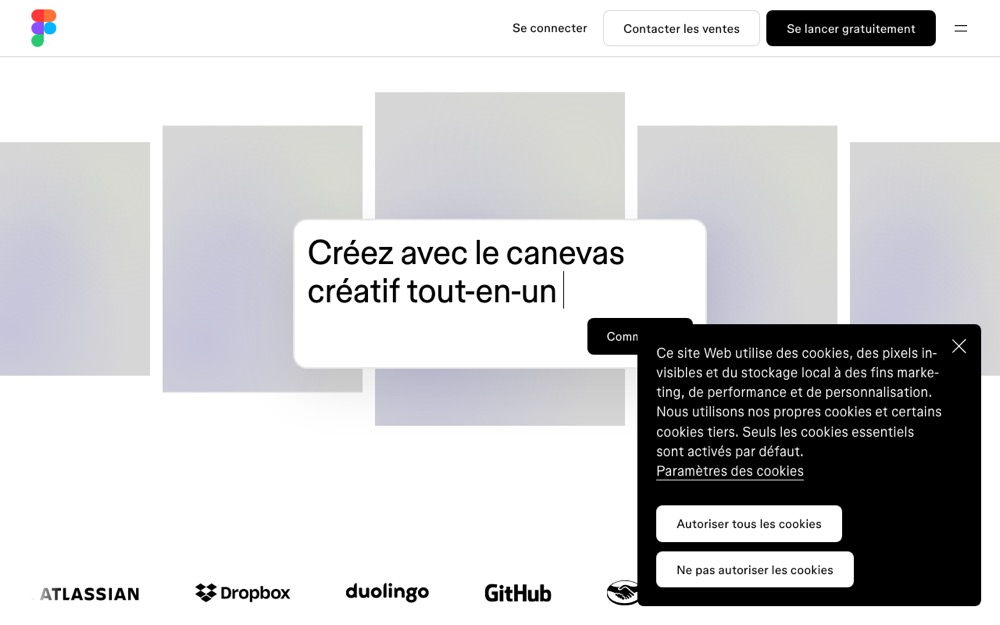
Figma (figma.com) ranks #3 in our 2026 SaaS Guide evaluation with an editorial rating of 4.9 out of 5.0. Industry-standard collaborative interface design, FigJam whiteboarding, and Dev Mode handoff platform for product teams. On its live landing page, Figma presents the headline "Figma: The collaborative canvas for design, code, and AI", emphasizing Figma is the canvas where design, code, and AI come together. From first idea to shipped product — go from concept to production with your whole team, in one place.
From a practical buyer standpoint, Figma stands out for three verified capabilities: Free Starter Plan, Real-Time Collab, and Dev Mode & Tokens. Entry pricing begins at Free / From $15/mo, making it straightforward to test real workloads before scaling up to higher team or enterprise quotas. Teams evaluating Figma should verify exact regional availability, API or seat limits, and renewal billing terms directly on figma.com, and read our dedicated 1,800+ word Figma review for full plan tables and competitor benchmarks.
4. Slack — Team Messaging, Huddles & App Integrations
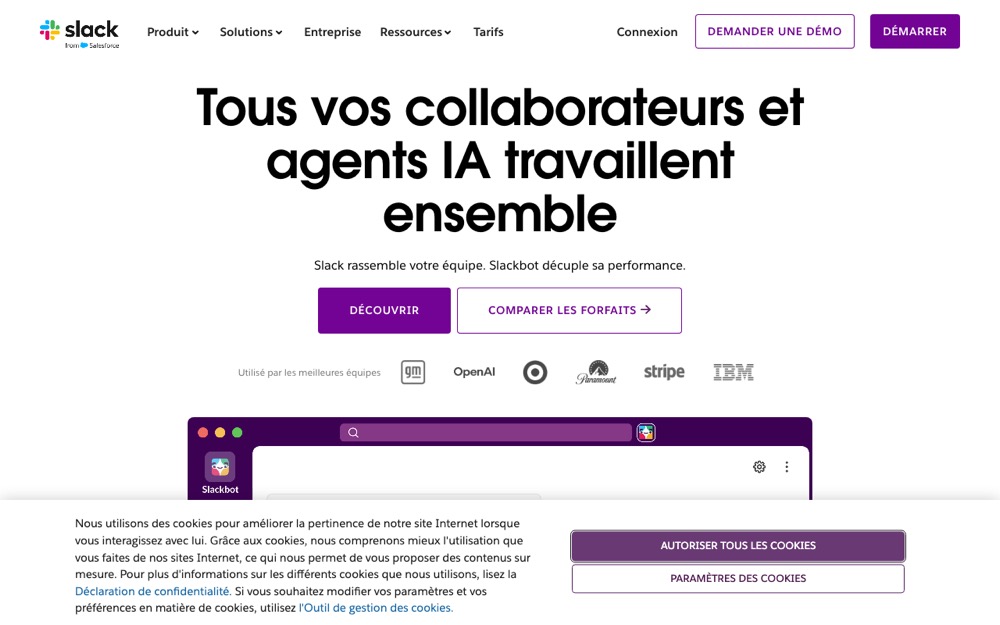
Slack (slack.com) ranks #4 in our 2026 SaaS Guide evaluation with an editorial rating of 4.7 out of 5.0. Channel-based workplace communication hub connecting 2,600+ SaaS integrations, automated workflows, and audio/video Huddles. On its live landing page, Slack presents the headline "Slack | AI Work Platform & Productivity ToolsClose NavigationClose Navigation", emphasizing Boost productivity and save time with Slack — the AI work platform for managing projects, automating workflows, and connecting teams securely. Start working smarter today.
From a practical buyer standpoint, Slack stands out for three verified capabilities: Free Team Plan, 2,600+ Integrations, and Workflow Builder. Entry pricing begins at Free / From $7.25/mo, making it straightforward to test real workloads before scaling up to higher team or enterprise quotas. Teams evaluating Slack should verify exact regional availability, API or seat limits, and renewal billing terms directly on slack.com, and read our dedicated 1,800+ word Slack review for full plan tables and competitor benchmarks.
5. Airtable — No-Code Relational Database & App Builder
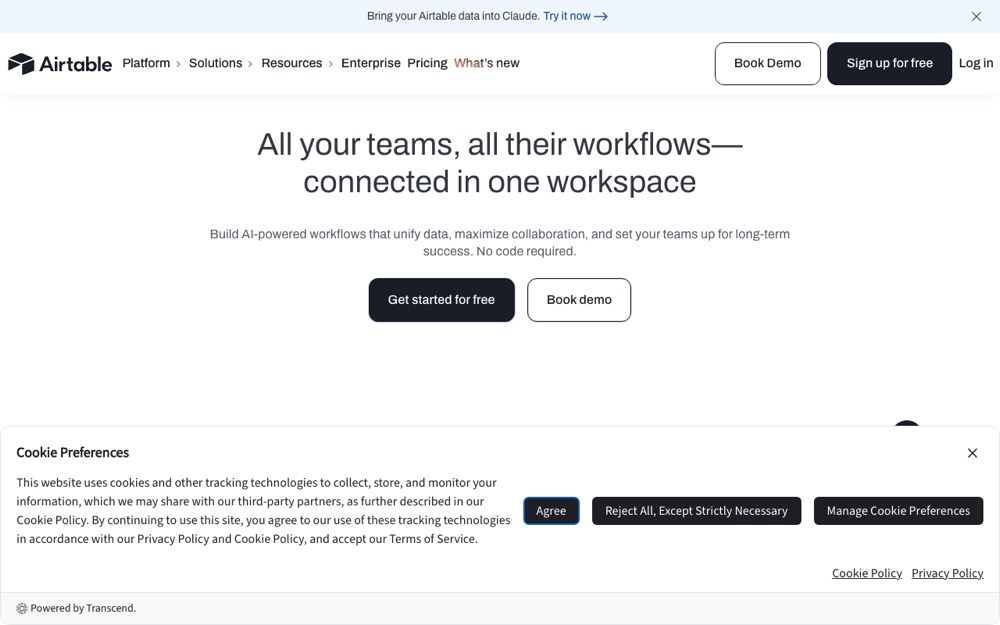
Airtable (airtable.com) ranks #5 in our 2026 SaaS Guide evaluation with an editorial rating of 4.7 out of 5.0. Low-code platform combining spreadsheet simplicity with relational database power, custom Interfaces, and automations. On its live landing page, Airtable presents the headline "Airtable: Build Enterprise-ready AI Workflows, Apps & Agents | Airtable", emphasizing 500,000+ brands use Airtable to enable real-time collaboration, automate repetitive tasks & manual work, and streamline business processes in minutes. Join them.
From a practical buyer standpoint, Airtable stands out for three verified capabilities: Free Base Tier, Interface Designer, and Native Automations. Entry pricing begins at Free / From $20/mo, making it straightforward to test real workloads before scaling up to higher team or enterprise quotas. Teams evaluating Airtable should verify exact regional availability, API or seat limits, and renewal billing terms directly on airtable.com, and read our dedicated 1,800+ word Airtable review for full plan tables and competitor benchmarks.
6. ClickUp — All-in-One Project Management, Docs & Goals
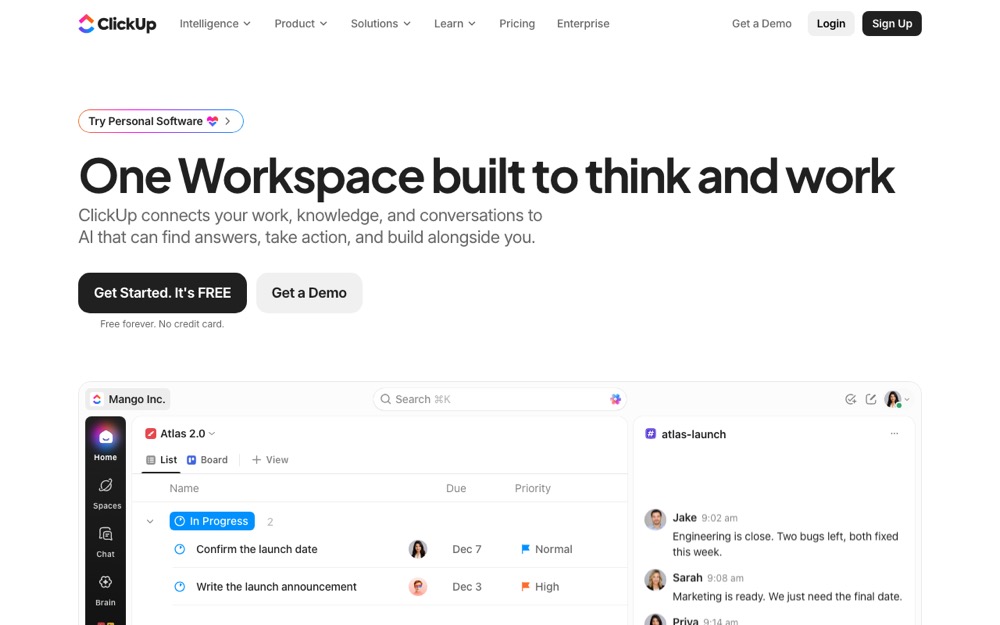
ClickUp (clickup.com) ranks #6 in our 2026 SaaS Guide evaluation with an editorial rating of 4.7 out of 5.0. Customizable productivity platform uniting tasks, docs, whiteboards, sprints, and time tracking in one workspace. On its live landing page, ClickUp presents the headline "ClickUp™ | Maximize productivity • Software, AI, and humans converge", emphasizing Our mission is to make the world more productive. To do this, we built the everything app for work - Tasks, Docs, Goals, and Chat.
From a practical buyer standpoint, ClickUp stands out for three verified capabilities: Free Forever Plan, 15+ Custom Views, and Built-in Docs & Chat. Entry pricing begins at Free / From $7/mo, making it straightforward to test real workloads before scaling up to higher team or enterprise quotas. Teams evaluating ClickUp should verify exact regional availability, API or seat limits, and renewal billing terms directly on clickup.com, and read our dedicated 1,800+ word ClickUp review for full plan tables and competitor benchmarks.
7. Linear — High-Speed Issue Tracking for Software Teams
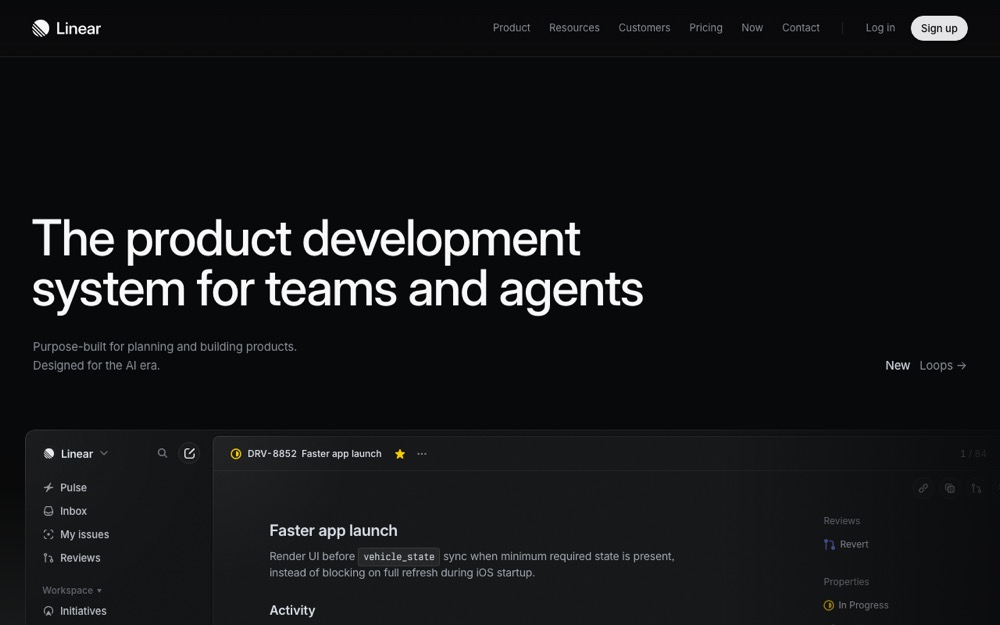
Linear (linear.app) ranks #7 in our 2026 SaaS Guide evaluation with an editorial rating of 4.9 out of 5.0. Purpose-built product planning and issue-tracking tool loved by engineering teams for keyboard-first speed and GitHub sync. On its live landing page, Linear presents the headline "Linear — High-Speed Issue Tracking for Software Teams", emphasizing Purpose-built product planning and issue-tracking tool loved by engineering teams for keyboard-first speed and GitHub sync.
From a practical buyer standpoint, Linear stands out for three verified capabilities: Free up to 250 Issues, Keyboard-First UI, and GitHub & GitLab Sync. Entry pricing begins at Free / From $8/user, making it straightforward to test real workloads before scaling up to higher team or enterprise quotas. Teams evaluating Linear should verify exact regional availability, API or seat limits, and renewal billing terms directly on linear.app, and read our dedicated 1,800+ word Linear review for full plan tables and competitor benchmarks.
8. HubSpot — CRM, Marketing, Sales & Service Platform
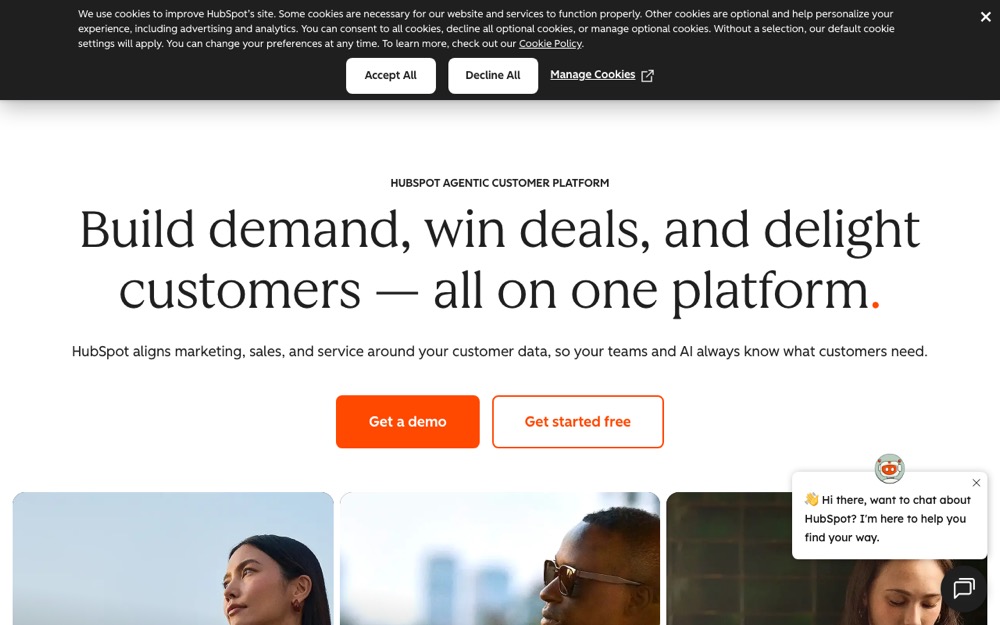
HubSpot (hubspot.com) ranks #8 in our 2026 SaaS Guide evaluation with an editorial rating of 4.7 out of 5.0. Comprehensive customer platform offering a 100% free CRM alongside Marketing, Sales, and Service Hubs for scaling businesses. On its live landing page, HubSpot presents the headline "HubSpot | Software & Tools for your Business - HomepageLogo - Full (Color)", emphasizing HubSpot's customer platform includes all the marketing, sales, customer service, and CRM software you need to grow your business.
From a practical buyer standpoint, HubSpot stands out for three verified capabilities: Free Forever CRM, Email Marketing, and Live Chat & Forms. Entry pricing begins at Free CRM / $15+/mo, making it straightforward to test real workloads before scaling up to higher team or enterprise quotas. Teams evaluating HubSpot should verify exact regional availability, API or seat limits, and renewal billing terms directly on hubspot.com, and read our dedicated 1,800+ word HubSpot review for full plan tables and competitor benchmarks.
9. Zapier — No-Code Workflow Automation Across 7,000+ Apps
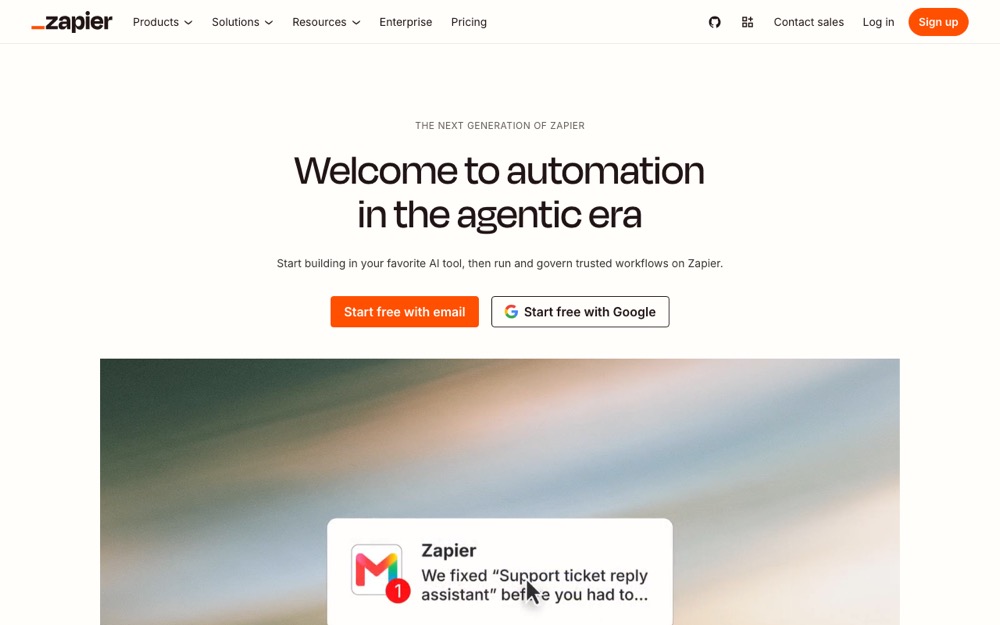
Zapier (zapier.com) ranks #9 in our 2026 SaaS Guide evaluation with an editorial rating of 4.8 out of 5.0. Leading automation platform connecting 7,000+ web apps with multi-step Zaps, Tables, Interfaces, and AI Agents. On its live landing page, Zapier presents the headline "Zapier: Automate AI Workflows, Agents, and Apps", emphasizing Build and scale AI workflows and agents across 10,000+ apps with Zapier—the most connected AI orchestration platform. Trusted by 3 million+ businesses.
From a practical buyer standpoint, Zapier stands out for three verified capabilities: 7,000+ App Connectors, 100 Free Tasks/mo, and No-Code Tables. Entry pricing begins at Free / From $19.99/mo, making it straightforward to test real workloads before scaling up to higher team or enterprise quotas. Teams evaluating Zapier should verify exact regional availability, API or seat limits, and renewal billing terms directly on zapier.com, and read our dedicated 1,800+ word Zapier review for full plan tables and competitor benchmarks.
10. Monday.com — Visual Work OS for Teams, CRM & Dev
Monday.com (monday.com) ranks #10 in our 2026 SaaS Guide evaluation with an editorial rating of 4.7 out of 5.0. Visual work operating system helping teams build custom project boards, CRM pipelines, and automated dashboards. On its live landing page, Monday.com presents the headline "The AI Workspace for People & Agents | monday.com", emphasizing Get more work done with AI agents that work side by side with your people. Execute, manage, and operate together on one AI Workspace to drive business results.
From a practical buyer standpoint, Monday.com stands out for three verified capabilities: Free up to 2 Seats, 200+ Templates, and 14-Day Pro Trial. Entry pricing begins at Free / From $9/seat, making it straightforward to test real workloads before scaling up to higher team or enterprise quotas. Teams evaluating Monday.com should verify exact regional availability, API or seat limits, and renewal billing terms directly on monday.com, and read our dedicated 1,800+ word Monday.com review for full plan tables and competitor benchmarks.
How to Evaluate Total Cost, Renewal Rates & Plan Limits
Headline entry prices—even verified ones—never tell the complete financial story unless you account for renewal pricing, usage overages, and team-seat scaling. Across the 10 providers reviewed above, we recommend following a structured three-step procurement workflow before committing to an annual plan:
- Benchmark on the Entry Tier or Free Trial First: Almost every top vendor in this category offers either a free tier, a developer credit, or a 14-to-45-day money-back window. Validate latency, dashboard ergonomics, and support responsiveness using a real workload before upgrading.
- Audit Renewal vs. Introductory Rates: Verify whether the advertised starting price applies to month-to-month billing or requires an annual/multi-year upfront commitment, and check standard renewal rates on the vendor's official pricing page.
- Check Add-On & Bandwidth Pricing: Confirm whether essential features—such as automated offsite backups, dedicated IPs, SSO/SAML, API rate increases, or extra team seats—are bundled or billed separately.
Selection Matrix by Buyer Profile & Workload Scale
Not every organization needs the same feature set or billing model. An individual developer or solo creator optimizing for lowest monthly burn has fundamentally different requirements than an engineering team running production workloads under strict compliance SLAs. To help you narrow down the 10 providers in this guide, match your team profile against the three operational tiers below:
- Solo Builders, Indie Hackers & Freelancers: Prioritize transparent entry pricing, generous free tiers or trial credits, and minimal operational overhead. Look for vendors with instant self-service onboarding, built-in defaults, and month-to-month flexibility so you can iterate without long-term lock-in.
- Growing Startups & Digital Agencies: Focus on multi-project or multi-seat management, staging/preview environments, role-based access controls (RBAC), and predictable mid-tier scaling. At this stage, time saved by clean APIs, automated backups, and responsive live support outweighs saving a few dollars per month.
- Mid-Market & Enterprise Teams: Require contractual uptime SLAs, SOC 2 / ISO-27001 / GDPR documentation, SAML SSO, dedicated account engineering, and custom volume pricing. Always request a formal security packet and test failover/support escalation paths during your pilot window.
Migration & Onboarding Best Practices
Switching providers—or adopting a new platform for the first time—goes smoothly when you treat onboarding as a repeatable checklist rather than an ad-hoc task. Start by auditing your current usage metrics, active integrations, and data export formats so you know exactly what must move on day one. Next, spin up a parallel staging or pilot account with your shortlisted vendor, configure two-factor authentication (2FA) and least-privilege API keys immediately, and run a 48-to-72-hour soak test under realistic load. Only after verifying latency, error rates, and billing meter accuracy should you cut over production traffic or decommission your legacy vendor.
Finally, maintain an internal vendor scorecard that tracks quarterly uptime, support response times, and effective cost per unit (whether per seat, per GB, per server, or per million requests). Reviewing that scorecard 30 days before each annual renewal ensures you only renew tools that continue to deliver measurable value—and gives you concrete leverage when negotiating volume tiers.
Security, Data Governance & Operational Continuity
Before finalizing any vendor in this category, your technical and security stakeholders should verify three foundational controls: transport and at-rest encryption, granular access management, and clean data portability. Confirm that the provider enforces HTTPS/TLS 1.3 across all dashboards and API endpoints, supports hardware-key or authenticator-app multi-factor authentication (MFA), and allows role-based permissions so contractors or junior teammates do not hold unrestricted billing or root credentials. Equally important is exit readiness—verify how backups, snapshots, logs, or account exports are retrieved in standard open formats so your organization never faces vendor lock-in if pricing or technical requirements shift. Documenting these checks alongside your internal SLA expectations keeps production operations resilient as your usage scales through 2026 and beyond.
API Readiness, Automation & Long-Term Scalability
Modern software and infrastructure teams rarely operate a single tool in isolation. Whether you are provisioning cloud servers, managing proxy rotation, deploying frontend applications, or automating team workflows, evaluate how cleanly each provider integrates into your existing stack. Look for well-documented REST or GraphQL APIs, official SDKs or Terraform/CLI tooling, webhook event streams, and native integrations with GitHub, Slack, or your observability pipeline. Testing API rate limits, error handling, and credential rotation during your initial evaluation prevents costly architectural rewrites six months later when usage scales across multiple teams or regions.
Finally, remember that every provider listed in this guide maintains its own official documentation, status page, and changelog. We link directly to both our independent 1,800+ word internal reviews and each provider's official website so you can cross-check live pricing, regional availability, and technical specifications before making a purchasing decision.
Frequently Asked Questions
Explore More Categories & Full Provider Reviews
Want to compare even more vendors? Browse our dedicated category directory, explore all 90 full provider reviews, or check our interactive comparison tool.