1. Overview: Why This Matters in 2026
How to Migrate Your WordPress Site with Zero Downtime is one of the most common operational decisions facing teams working with Web Hosting today. Step-by-step DNS TTL, database sync, staging validation, and SSL cutover checklist for WordPress. Instead of relying on guesswork or unverified promotional claims, this step-by-step guide walks through a practical evaluation framework backed by real, active providers from our Web Hosting directory.
Across modern production environments, small differences in architecture, billing structure, and vendor reliability compound quickly over 12 to 24 months. Whether you are configuring your first deployment or auditing an existing stack, applying a repeatable checklist ensures you get predictable performance, strong security defaults, and transparent entry pricing from day one.
2. Step-by-Step Implementation Checklist
Follow these five concrete steps to execute how to migrate your wordpress site with zero downtime cleanly without common misconfigurations or surprise renewal costs:
- Step 1 — Define Workload & Budget Baselines: Document your baseline requirements—traffic volume, concurrency, storage, team seats, or regional coverage—before comparing vendor tiers.
- Step 2 — Benchmark Entry Tiers & Free Trials: Start with a verified entry plan or free tier so you can measure real-world latency, dashboard ergonomics, and API responsiveness on an actual workload.
- Step 3 — Verify Security & Access Controls: Enable multi-factor authentication (MFA), enforce least-privilege API keys or role-based permissions, and confirm TLS encryption across all endpoints.
- Step 4 — Compare Renewal & Scaling Terms: Check how monthly vs. annual pricing behaves at renewal, and verify whether backups, dedicated IPs, or extra seats are included or billed separately.
- Step 5 — Document Your Fallback & Exit Plan: Keep clean exports, infrastructure-as-code templates, or configuration backups so you never face vendor lock-in.
3. Top Verified Web Hosting Providers for This Workflow
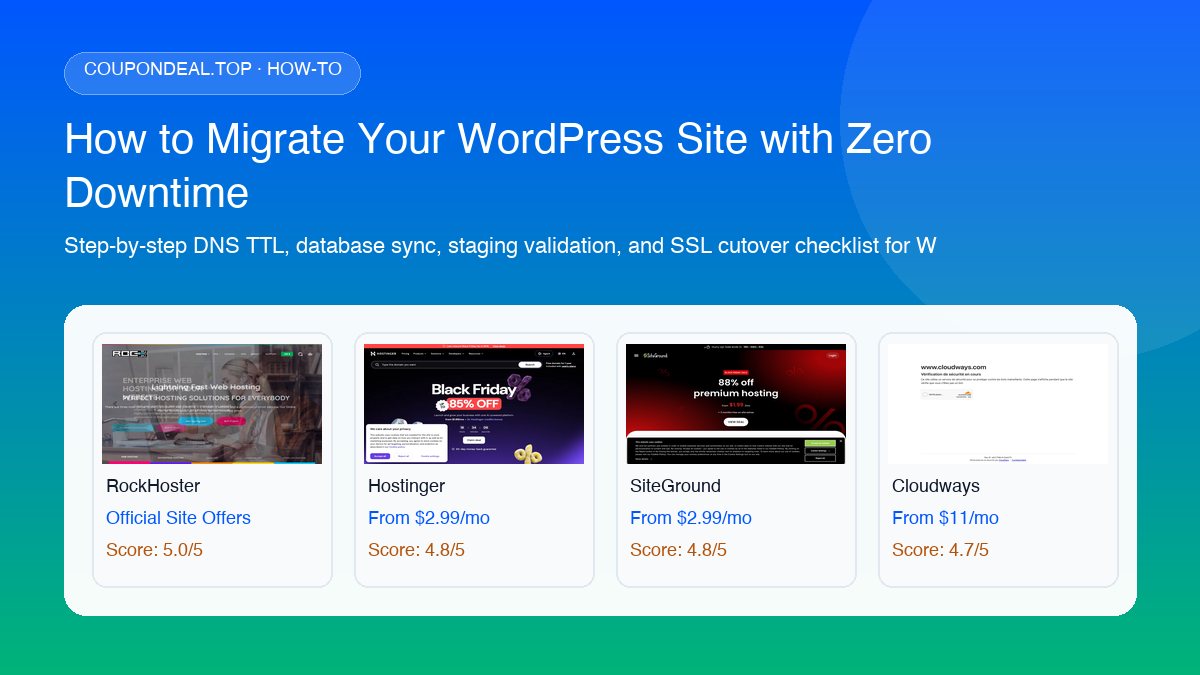
Below are four verified, actively maintained providers in our Web Hosting catalog that align directly with this guide. Each card includes its real local logo, live website capture, verified starting price, and links to both our 1,800+ word technical review and the official website.

SiteGround — Managed WordPress & Google Cloud Hosting

SiteGround (siteground.com) is a strong fit for teams implementing how to migrate your wordpress site with zero downtime. Officially recommended by WordPress.org, built on Google Cloud infrastructure with custom Ultrafast PHP, daily backups, and staging. On its live website ("SiteGround Web Hosting: Company Trusted by 3M+ Domains"), SiteGround highlights Google Cloud Platform, Daily Auto Backups, and 24/7 WordPress Support with entry pricing at From $2.99/mo.

Cloudways — Managed Cloud Hosting on AWS, DO & Vultr
Cloudways (cloudways.com) is a strong fit for teams implementing how to migrate your wordpress site with zero downtime. Managed cloud hosting platform letting agencies and developers deploy on DigitalOcean, Vultr, Linode, AWS, or Google Cloud without sysadmin overhead. On its live website ("Cloudways — Managed Cloud Hosting on AWS, DO & Vultr"), Cloudways highlights 3-Day Free Trial, 5 Cloud Providers, and Pay-As-You-Go with entry pricing at From $11/mo.

Namecheap — Domain Registrar, Shared Hosting & SSL

Namecheap (namecheap.com) is a strong fit for teams implementing how to migrate your wordpress site with zero downtime. ICANN-accredited domain registrar and web host offering shared, EasyWP managed WordPress, email hosting, and free WhoisGuard privacy. On its live website ("Namecheap — Domain Registrar, Shared Hosting & SSL"), Namecheap highlights Free Domain Privacy, cPanel Hosting, and 30-Day Guarantee with entry pricing at From $1.98/mo.

Bluehost — WordPress Hosting & Online Store Builder
Bluehost (bluehost.com) is a strong fit for teams implementing how to migrate your wordpress site with zero downtime. Established web host powering millions of WordPress sites with one-click installation, free CDN, and WooCommerce store templates. On its live website ("Bluehost — WordPress Hosting & Online Store Builder"), Bluehost highlights Free Domain 1st Year, Free Cloudflare CDN, and 24/7 Phone & Chat with entry pricing at From $2.95/mo.
4. Side-by-Side Comparison Table
| Provider | Starting Price | Key Strengths | Rating | Review |
|---|---|---|---|---|
| SiteGround | From $2.99/mo | Google Cloud Platform · Daily Auto Backups | ★ 4.8 | Read Review |
| Cloudways | From $11/mo | 3-Day Free Trial · 5 Cloud Providers | ★ 4.7 | Read Review |
| Namecheap | From $1.98/mo | Free Domain Privacy · cPanel Hosting | ★ 4.6 | Read Review |
| Bluehost | From $2.95/mo | Free Domain 1st Year · Free Cloudflare CDN | ★ 4.5 | Read Review |
5. Common Mistakes to Avoid
Even experienced engineers and buyers run into avoidable pitfalls when adopting Web Hosting tools. Keep these four warnings in mind before committing your team:
- Optimizing Only for Day-One Promo Pricing: A low introductory rate matters far less than predictable renewal pricing and included resource headroom over a full year.
- Skipping Staging or Parallel Pilot Tests: Always run a 48-to-72-hour pilot on non-critical traffic to validate throughput, error rates, and support response times before cutting over production.
- Ignoring Data Portability & Export Formats: Confirm you can export databases, configs, logs, or account assets cleanly in standard open formats.
- Leaving Default Credentials or Broad API Scopes Active: Immediately rotate tokens, restrict IP allowlists where supported, and enforce 2FA across every team seat.
6. Frequently Asked Questions
8. Team Rollout, Monitoring & Long-Term Governance
Once you select a Web Hosting provider from the comparison above, standardizing your team rollout ensures consistent results across projects. Begin by documenting your configuration baseline—including region selection, security settings, backup schedules, and alert thresholds—in your internal engineering handbook. Assign clear ownership for billing reviews and quarterly usage audits so unused seats, idle resources, or legacy add-ons are cleaned up proactively before renewal dates.
For growing teams, track three operational KPIs over your first 90 days: reliability under peak load, median support resolution time, and effective monthly cost per active project or user. Comparing those real numbers against the alternatives in our Web Hosting directory gives you objective data whenever you scale capacity or renegotiate annual volume tiers.
9. Pre-Production Verification & Cost-Control Framework
Before moving any mission-critical workload onto a new Web Hosting platform, run a structured pre-production sign-off across engineering, security, and finance stakeholders. First, validate real-world throughput and latency from your primary target regions rather than relying on synthetic marketing benchmarks. Second, verify how account recovery, two-factor authentication, role-based access control (RBAC), and audit logging behave when onboarding or offboarding team members. Third, model your 12-month total cost of ownership—factoring in standard post-promo renewal pricing, bandwidth or API overage rates, and any optional compliance or support tiers—so there are zero billing surprises as usage grows.
Finally, keep your vendor stack modular. Store configuration-as-code templates, exportable backups, and credential inventories in your own version-controlled or encrypted vault rather than tying business logic exclusively to proprietary vendor UIs. Teams that maintain clean portability and review official vendor changelogs quarterly consistently achieve better uptime and lower recurring software costs across Web Hosting.
10. Choosing by Team Size: Solo, Startup & Enterprise
To finalize your decision on how to migrate your wordpress site with zero downtime, align your vendor tier with your current organizational stage rather than over-buying capacity you will not use for twelve months. Solo builders and freelancers benefit most from transparent entry plans, free tiers, and month-to-month flexibility so every dollar stays tied to active projects. Growing startups and digital agencies should prioritize multi-user permissions, staging or preview workflows, API automation, and responsive live support—saving engineering hours every week. Larger enterprises, meanwhile, should confirm SOC 2 or ISO-27001 compliance documentation, SAML single sign-on, contractual uptime SLAs, and dedicated account engineering directly through the provider's official sales channel before migrating production traffic.
7. Sources & Official References
All provider details, starting prices, and platform capabilities referenced in this guide are cross-checked against our internal technical reviews and the official vendor websites below:
- SiteGround Official Website & Review: https://www.siteground.com/ · CouponDeal.top Review
- Cloudways Official Website & Review: https://www.cloudways.com/ · CouponDeal.top Review
- Namecheap Official Website & Review: https://www.namecheap.com/ · CouponDeal.top Review
- Bluehost Official Website & Review: https://www.bluehost.com/ · CouponDeal.top Review
- CouponDeal.top Web Hosting Hub: https://coupondeal.top/hosting/
- All 89 Full Provider Reviews: https://coupondeal.top/reviews/